FinOps Inform · Tools
Top 5 infracost.io Alternatives 2026
Discover 5 top infracost.io alternatives for managing cloud costs. Compare features to find the best solution for your needs.

Choosing a cloud cost optimisation platform that proves real savings without risky upfront spend or opaque licensing is needlessly complex. Most tools stop at surface-level reports or require sales calls to access critical features, leaving teams locked out of actionable fixes. This comparison reveals pricing, automation depth, and billing verification across five platforms so you can match a solution to your team size and audit needs.
Koritsu AI
At a Glance
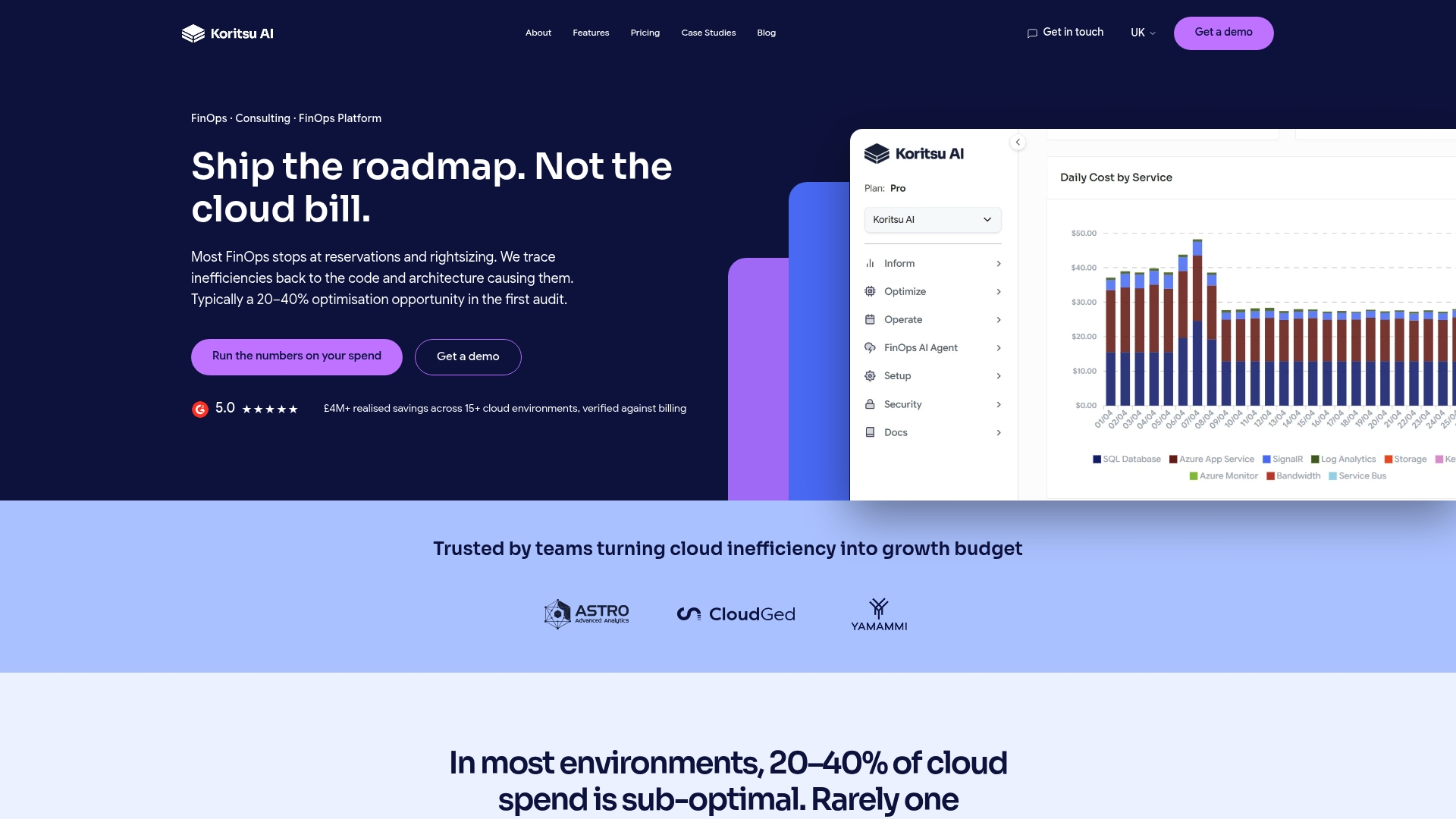
Two months of verified savings, no upfront cost, success fee only. Koritsu combines an AI agent with hands-on engineering support to find and verify savings against billing records. The model shifts risk away from you, so finance and engineering only pay once savings appear in invoices.
Core Features
Koritsu uses AI agents to spot unusual spend patterns and to analyse cost at the code and architecture level. The platform runs continuous monitoring and issues immediate alerts when anomalies appear, while maintaining read-only, scoped access to reduce security exposure. Savings are checked directly against billing data during and after engagements to confirm outcomes.
Key Differentiator
Koritsu ties engineering-level analysis to financial verification. It does not stop at tagging resources or recommending discounts. The platform locates root causes inside code paths and architectural decisions, and then validates the impact on actual billing records. That pairing of technical diagnosis and billing verification separates it from dashboard-only FinOps tools.
Pros
-
Koritsu provides engineering-focused findings that ordinary FinOps dashboards miss, and that focus often leads to larger savings opportunities.
-
The platform is operational quickly, and teams can start receiving targeted recommendations from day one.
-
Continuous verification with the AI agent Kori keeps the team honest about realised savings, and the success-fee model means your vendor cost scales with the money actually recovered.
Cons
- Requires exported billing data and infrastructure metrics to operate effectively, which means some organisations will need time and coordination to surface complete data.
Who It's For
Koritsu suits organisations with sizeable, complex cloud estates and recurring high spend, typically those spending around £8,000 a month or more. Engineering-led teams that want concrete, code‑level fixes rather than surface-level reports will gain the most. Teams with simple single-cloud setups may find the depth unnecessary.
Unique Value Proposition
The platform's AI agent Kori verifies savings directly against billing data during and after an engagement. That verification changes procurement dynamics because finance pays only for confirmed reductions. For teams that must justify headcount or architectural change to finance, this model turns recommendations into measurable budgetary outcomes.
Real World Use Case
According to the company, a fintech customer used Koritsu to run a baseline review, correct over-provisioned resources, and implement architectural changes that produced a 20–40% reduction in cloud costs within weeks. The vendor reports those savings were validated on subsequent bills, with payment due only after verification.
Pricing
No upfront fees. Koritsu runs an initial assessment then charges a success fee based on realised savings over two months of verified reductions. After the success-fee engagement, clients may move onto an ongoing subscription if they want continuous monitoring and support.
Website: https://koritsu.ai
nOps
At a Glance
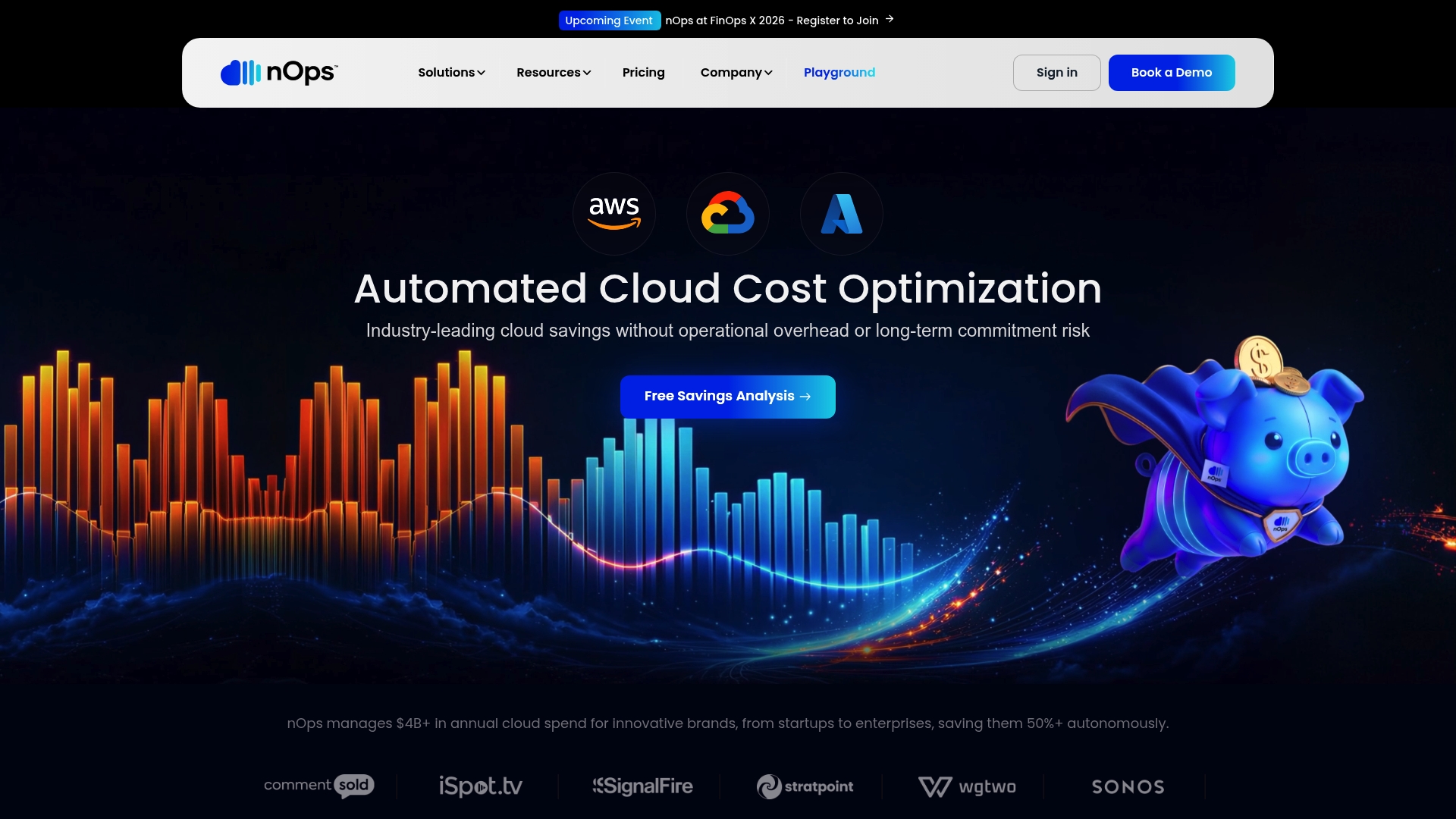
nOps reports managing over $4 billion in annual cloud spend. That scale drives its focus on automated commitment management and continuous cost visibility across multiple clouds. The platform pairs real-time analysis with an AI cost engine called Clara to surface purchase recommendations and anomalies.
Core Features
nOps delivers real-time visibility across AWS, Azure, and GCP while extending cost insight to SaaS and AI workloads. It automates reservation and savings plan purchases through automated commitment management, and ships pre-built reports and dashboards for finance and engineering teams. The platform's AI, Clara, produces attribution and optimisation suggestions to reduce manual work.
Key Differentiator
Comprehensive multi-cloud coverage combined with AI-driven automated commitment purchases and continuous cost attribution sets nOps apart. The platform targets both FinOps and engineering workflows by merging real-time signal collection with policy-driven purchase automation.
Pros
-
nOps automates time consuming tasks such as reservations and savings plan purchases, so FinOps teams spend less time on manual reconciliation.
-
The platform covers multi-cloud, SaaS, and AI spending in one view, which helps finance teams produce consistent allocation reports.
-
The vendor advertises a 4.8 out of 5 G2 rating.
-
Integrations with popular cloud services let you apply automated rules without building custom tooling.
Cons
-
The platform's extensive feature set increases initial complexity for new teams. Configuration requires planning and access to multiple accounts.
-
Trial and free tier information is not clearly published, which makes quick evaluation harder. You may need conversations with sales to get hands on access.
-
Full benefits depend on deployment and account configuration, so expect a setup phase and some onboarding overhead.
When It May Not Fit
If your organisation is small and lacks a dedicated FinOps or cloud finance resource, nOps may feel heavyweight. Projects that need an immediately free, zero‑touch trial will find limited public trial details. Teams that cannot allocate time for setup and governance may see delayed returns while policies and automation are calibrated.
Who It's For
Medium to large organisations running multi-cloud estates and SaaS stacks, where finance, FinOps, or engineering teams need continuous cost control. It fits groups that want automated commitment purchase workflows and centralised reporting rather than manual spreadsheets. It also suits teams willing to invest in initial setup and governance.
Real World Use Case
According to the company, a customer connected all cloud accounts, automated reservation purchases, and achieved over 50 percent cost reduction. That customer used Clara to flag inefficiencies and freed engineers from routine cost tasks while finance gained reliable allocation reports.
Pricing
Pricing information is not publicly listed. The product entry describes pricing as not applicable informational only. Contact the vendor for a tailored quote and options for onboarding and managed services.
Website: https://nops.io
Economize
At a Glance
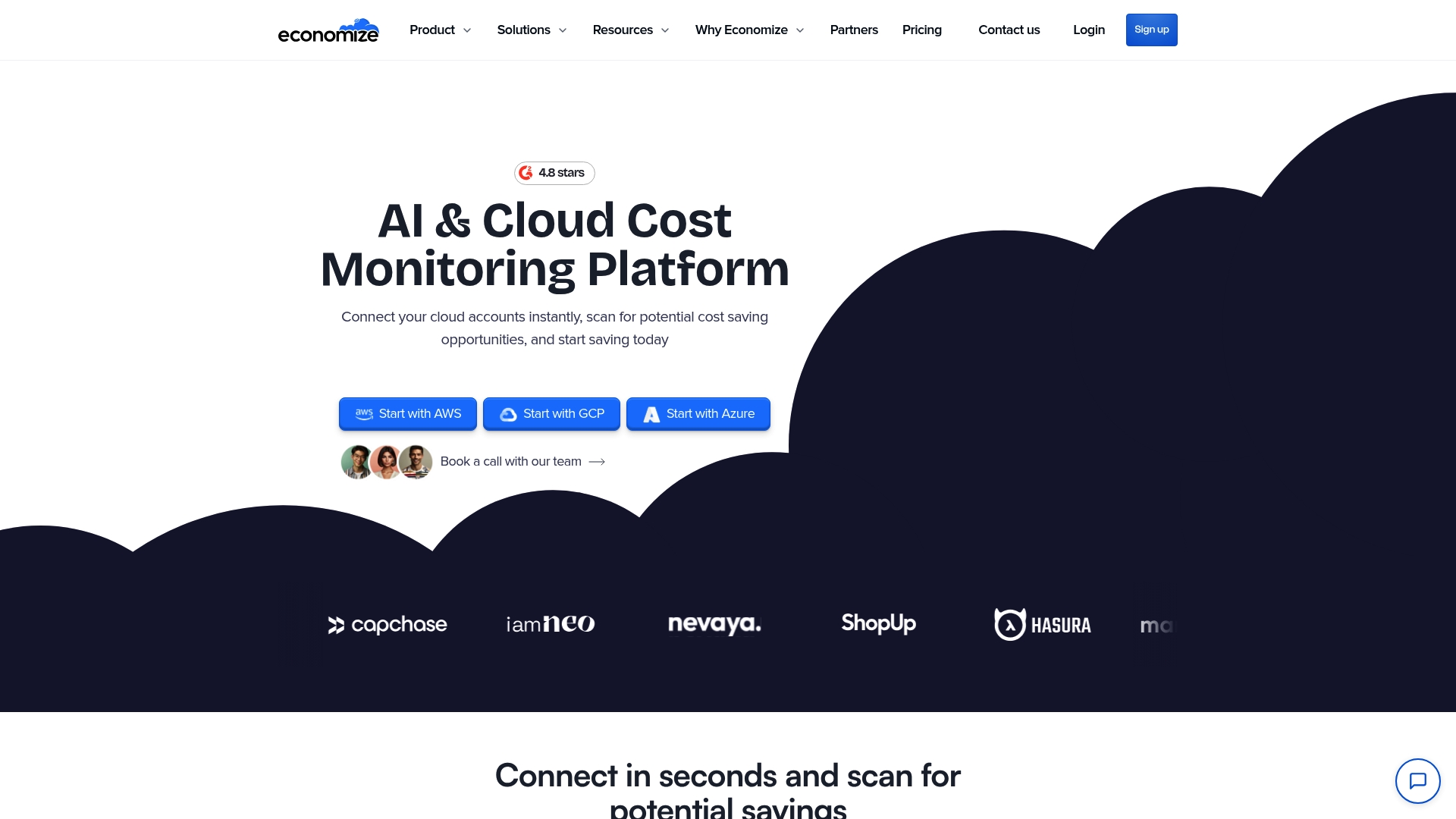
Economize reports 4.8 stars from more than 1,400 reviews. That rating and review count are vendor reported. The platform advertises agentless connections to AWS, Google Cloud, and Azure and provides cost alerts in real time. Expect rapid setup and a single pane view across cloud accounts.
Core Features
Economize delivers detailed cost reports, an engine that flags hidden savings, and an asset explorer that reveals resource usage patterns. The platform issues real time notifications for cost anomalies and groups spend across providers into a unified view. These features target engineers and finance teams who need both visibility and ongoing monitoring.
Key Differentiator
The standout is agentless multi cloud optimisation combined with alerting and deep reports. That approach removes the deployment step many teams delay. The result is faster time to insight for mixed cloud estates and fewer configuration headaches for cloud engineering teams.
Pros
-
Easy account connection reduces the friction of initial deployment, and teams get a unified view of AWS, Google Cloud, and Azure without installing agents.
-
The reporting and recommendations engine produces line level findings that translate into concrete rightsizing and allocation work.
-
The vendor advertises security certifications including SOC II, ISO 27001, and GDPR. That claim, together with high self reported customer satisfaction, makes the platform suitable for regulated environments and finance stakeholders.
Cons
-
No clear trial details. The product page lists a free tier but does not explain the free tier limits or trial duration.
-
Pricing varies by plan and cloud provider. That makes cost modelling for large enterprises harder before procurement.
-
Access to AI agent features and customisation appears buyer specific. Documentation and review summaries leave those limits unclear.
When It May Not Fit
If you need transparent free tier limits or a long self service trial, Economize may not match expectations. Large enterprises with very high spend should budget for the Platform Pricing and escalated support fees. Teams that require on prem collectors will find the agentless model unsuitable.
Notable Integrations
Economize connects to the major cloud platforms and common collaboration channels. Integrations listed by the vendor include:
- AWS
- Azure
- Google Cloud
- Slack
- Microsoft Teams
- Discord
Who It's For
IT and DevOps teams running multi cloud estates and cloud finance teams who want continuous cost monitoring and rightsizing recommendations. It matches teams that prefer fast onboarding without installing collectors and those working across AWS, Google Cloud, and Azure.
Real World Use Case
A mid sized engineering organisation links AWS, Azure, and Google Cloud accounts and uses Economize to spot a steady storage class migration cost. The alerts identify the anomaly, the recommendations' detail shows the change path, and engineers apply rightsizing to reduce bills. The team reports quicker detection of waste after the platform is live.
Pricing
The vendor lists a free tier up to $100,000 monthly spend, a Professional plan at $249 per month for accounts up to $250,000 spend, and an Enterprise plan starting at $2,499 per month for larger spend. Pricing depends on cloud spend and chosen support level.
Website: https://economize.cloud
Yasu
At a Glance
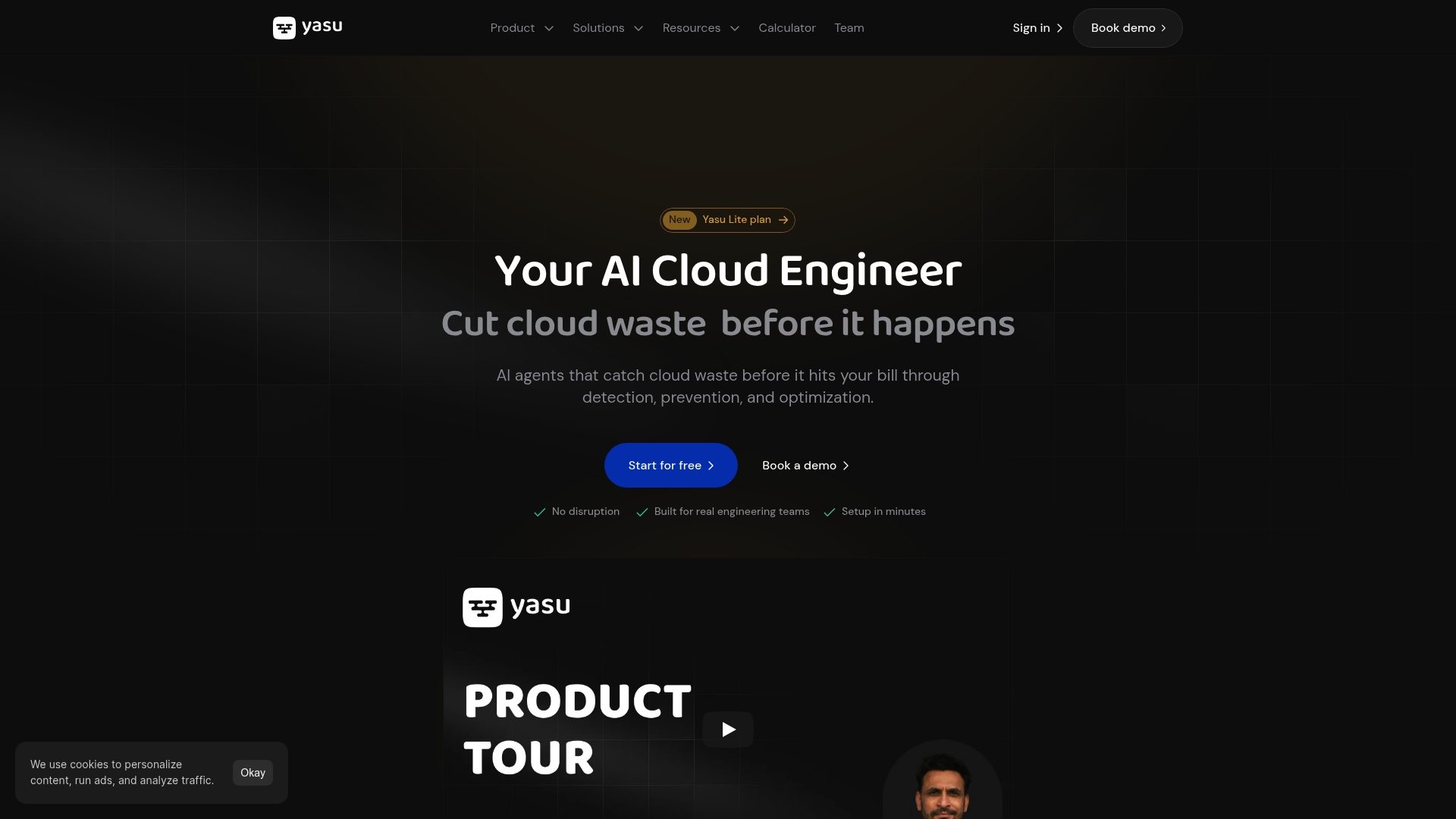
Yasu's marketing materials state it typically saves around 30% on cloud bills. That claim frames the product as a cost-first tool that mixes prevention during development, continuous cost insight, and automation. The platform targets multi-cloud environments and places emphasis on reducing manual FinOps work.
Core Features
Yasu prevents cost issues early in design and development and provides an AI assistant for instant cost answers. It supports AWS, Azure, and GCP and runs automated agents that suggest and apply optimisations inside your existing workflows. You also get pull request cost analysis with policy guardrails, detailed cost breakdowns and forecasts, natural language queries, and dashboards tailored to specific roles for collaboration.
Key Differentiator
The standout for Yasu is its autonomous AI agents that do more than flag waste. They can implement cost-saving measures directly into your cloud environment and CI workflow. That level of agentic automation reduces handoffs between engineers and FinOps teams.
Pros
-
Integrations with GitHub, Slack, and Teams mean recommendations appear where engineers already work, and that reduces context switching.
-
According to the company, initial setup takes under five minutes to connect cloud accounts, which shortens time to value.
-
The platform automates routine optimisation tasks, so teams spend less time chasing trivial savings, and non-engineering stakeholders get readable dashboards and instant answers without deep technical training.
Cons
-
Buyer feedback indicates the AI automation may need supervision at first to avoid inappropriate changes.
-
Advanced automation features have a learning curve and may require training for smaller teams.
-
Teams used to manual cost management may need time to adapt to an AI-driven workflow.
-
Effectiveness depends on correct configuration and ongoing monitoring.
When It May Not Fit
If you have a tiny engineering team that cannot allocate any time to oversee automation, Yasu may add operational overhead. If your organisation forbids automated changes to production, that removes the product's strongest feature. If you prefer a purely audit style FinOps tool that never implements changes, Yasu will feel like the wrong approach.
Who It's For
Tech teams and finance managers in medium to large organisations that want continuous cost control inside existing workflows. It suits teams willing to let agents take corrective action and those aiming to hit the figure above without growing headcount. It also fits multi-cloud estates where visibility across providers matters.
Real World Use Case
A SaaS engineering team wires Yasu into its CI pipeline to analyse pull requests for expensive configuration changes. The platform suggests lower cost instance types and flags unused resources during code review, and the team reports saving thousands each month while maintaining deployment velocity.
Pricing
Yasu uses tiered plans such as Lite, Pro, and Max and offers a free trial. The vendor states pricing adapts to organisation size and needs, with enterprise options available for larger estates.
Website: https://yasu.cloud
Holori
At a Glance
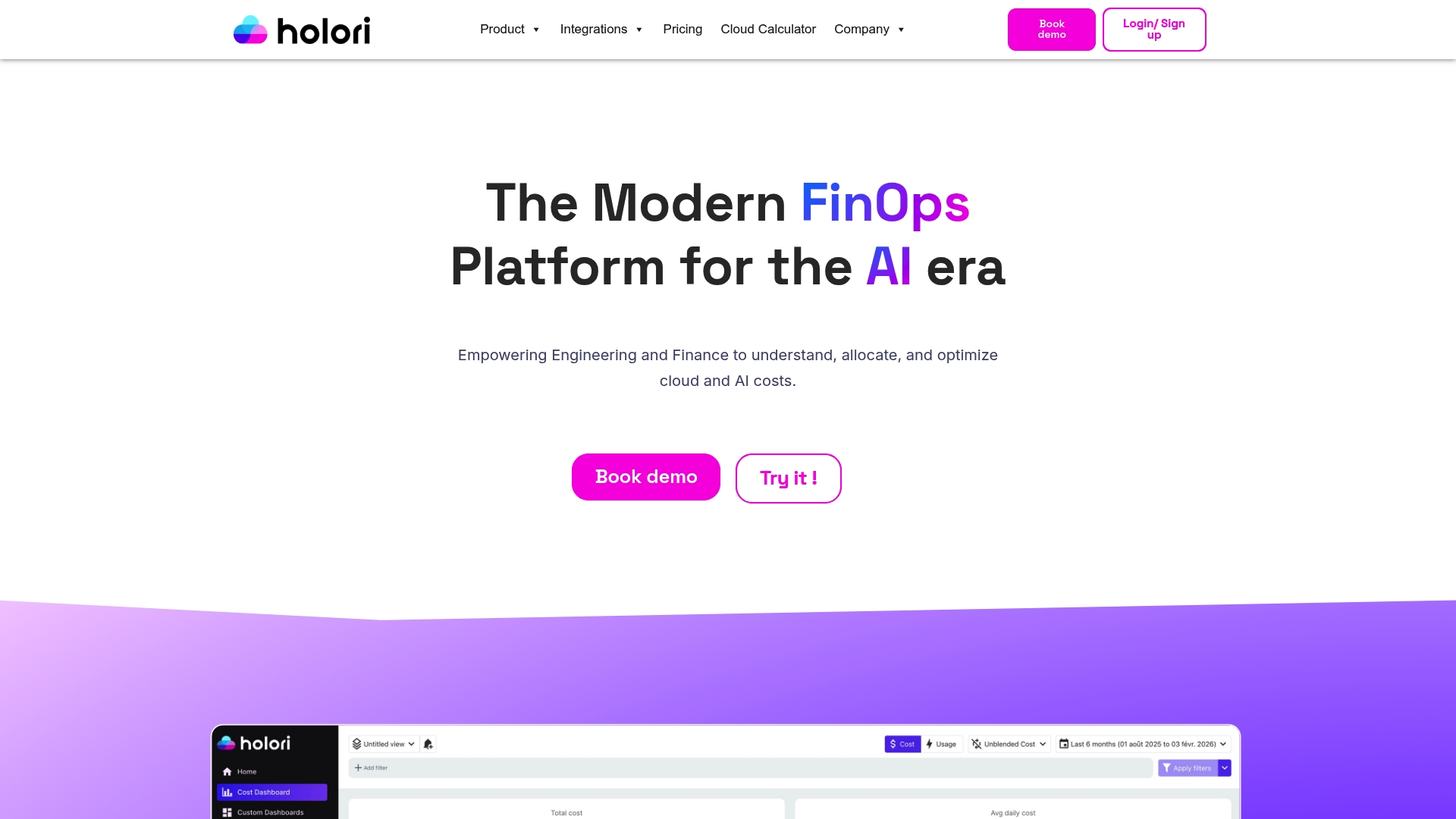
Hosts billing data within the customer's environment to keep billing information inside your cloud for stronger security and compliance. The platform targets engineering and finance teams running AWS, Azure, and GCP. It combines virtual tagging, budgeting, alerting, and visual dashboards to produce cost visibility from day one.
Core Features
Holori provides consolidated multi cloud cost dashboards and infrastructure visibility to map spend across accounts and projects. The product uses virtual tagging for flexible cost allocation and supplies optimisation recommendations tied to observed usage. Cloud budgeting and alerting tools help enforce spend limits and surface unexpected cost spikes.
Key Differentiator
The product hosts billing data inside the customer environment while also supporting virtual tagging for cost allocation. That combination aims to reduce external data movement and meet stricter compliance needs. For teams with regulatory controls or sensitive billing data, that hosting choice is the main operational advantage.
Pros
-
Holori consolidates cost data from multiple clouds into a single view, which reduces the time you spend switching consoles.
-
The virtual tagging model lets you allocate costs to teams, products, or projects without changing resource labels.
-
Visual hierarchy for cost allocation and the emphasis on keeping billing data in your environment make audits and governance easier to run.
Cons
-
Advanced features and customisations require a learning curve, according to buyer reviews. This can slow initial roll out for teams without a dedicated FinOps engineer.
-
Complex organisations may still need additional configuration for nuanced allocation strategies and departmental chargebacks.
-
As a SaaS offering, organisations with specific regulatory needs may require extra controls or on prem integrations beyond the standard stack.
When It May Not Fit
Holori requires access to cloud resources and billing data, so organisations that cannot grant those permissions will not be able to use the platform. Very complex organisations with bespoke billing models may need a consultancy to reach the allocation fidelity they want. If your security policy forbids any third party visibility into invoices, Holori will need architecture changes to comply.
Notable Integrations
- AWS Cost Management Tool
- Azure Cost Management Tool
- GCP Cost Management Tool
- Datadog Cost Management
- Scaleway Cost Management
- OVHcloud Cost Management
- Focus & Custom provider
Who It's For
Engineering and finance teams managing multiple cloud providers who want clearer spend visibility and accountability. Teams running mixed AWS, Azure, and GCP estates will get the most value. Organisations that need billing data to remain inside their environment for compliance will find the hosting model relevant.
Real World Use Case
A tech company with resources across AWS, Azure, and GCP uses Holori to visualise cloud expenditure and allocate costs back to departments. The team applies virtual tags to group spend, follows optimisation recommendations, and reports monthly savings to finance. That workflow replaced manual exports and sped up cost reviews.
Pricing
See detailed plans at https://holori.com/saas-pricing/ and choose based on cloud spend thresholds. Pricing is tiered to correspond with cloud spend levels and includes options for larger estates that need custom arrangements.
Website: https://holori.com
Comparison of alternatives
Koritsu AI stands apart from other cloud cost optimisation platforms through its distinct approach to cost assessment by analysing the origin of financial inefficiencies and validating rectifications using actual invoicing data. Let's examine its advantages and when competitors may better suit specific needs.
Cost validation approach
Koritsu AI excels in tying engineering-level insights to financial verifications. Its unique practice of confirming cost-savings using real invoicing data ensures clarity and trust. This capability fosters confidence in the changes recommended because results are measurable against tangible records, serving enterprises aiming for transparency.
Autonomous implementation potential
In contrast, Yasu prioritises automation by assisting teams with its autonomous agents capable of directly implementing cloud resource changes. This approach not only reduces manual intervention but also streamlines code reviews by identifying and rectifying costly misconfigurations mid-pipeline. For engineering teams focused on automating repetitive optimisation tasks within their DevOps workflows, this feature proves advantageous.
Best fit
- For engineering teams valuing a combination of technical insights and financial transparency, Koritsu AI ensures recommendations validated through saving verification.
- For organisations where database, workload, and security compliance hold prominence, Holori provides a framework by hosting all billing data within the client's environment.
- Teams whose priority is quick integration without agents or manual setup will find Economize the most effective option for immediate results.
Our pick
Koritsu AI emerges as the recommended choice for enterprises prioritising not only savings but also engineering guidelines tied directly to their financial frameworks. Teams requiring streamlined validation directly mapped to operational metrics will greatly benefit. However, teams focused on automated workflows rather than diagnostic depth should consider Yasu or Economize as alternative strong parallels.
The table below compares cloud cost optimisation platforms, focusing on capabilities, strengths, user suitability, pricing, and potential limitations to aid in selecting the best option.
| Product Name | Key Feature | Best For | Pricing | Limitation |
|---|---|---|---|---|
| Koritsu AI | AI-based spending pattern analysis and billing verification | Organisations spending £8,000+/month, engaging in engineering-level reviews | Success fee model, no upfront cost | Requires detailed exported billing and infrastructure metrics |
| nOps | Multi-cloud cost visibility with automated savings plan purchases guided by AI | Medium-to-large enterprises with multi-cloud setups | Not disclosed | Complex configuration for initial setup |
| Economize | Agentless connection offering cost monitoring and anomaly alerts | IT teams seeking immediate onboarding across major cloud platforms | £249/month for spend < £250,000 | Unclear trial limits and advanced feature differences |
| Yasu | Automated cost-saving features integrated into CI/CD pipelines | Medium to large tech teams with AI automation adoption | Adaptable by need; free and enterprise tiers available | Automation requires monitoring; unsuitable for audit-only preferences |
| Holori | Virtual tagging enabling detailed cost allocation and secure data hosting | Teams requiring internal data handling for compliance | Tiered based on spend levels; visit website for details | Learning curve for advanced feature use and customisation needs |
Discover Why Koritsu AI Excels Among infracost.io Alternatives
Cost control in cloud infrastructure is more than tracking discounts or tagging resources. It demands deep visibility into how your infrastructure code and architecture drive spend. Koritsu AI goes beyond typical FinOps dashboards by combining AI-driven analysis with hands-on engineering expertise. This approach finds substantial savings hidden within your systems and validates them directly against billing records. Koritsu AI reduces risk with no upfront fees and only charges success fees based on verified savings.
See how Koritsu AI transforms cloud cost management by delivering verified savings tied to your actual invoices. Start with a free assessment and take control over your cloud costs. Explore more at Koritsu AI and identify where your money is leaking today.
FAQ
How does Koritsu AI verify savings on cloud costs?
Koritsu AI checks savings directly against billing data during and after engagements. This process ensures that financial outcomes are matched with reduced costs on actual invoices. To get started, integrate Koritsu AI with your cloud billing system to begin verifying savings immediately.
What is the difference between nOps and Koritsu AI?
nOps excels at automated commitment management and continuous cost visibility across multiple clouds. Koritsu AI, in contrast, focuses on technical diagnosis and financial verification, making it ideal for organisations seeking in-depth insights into cost optimisation. Consider Koritsu AI if you need a more structured analysis tied to actual billing records.
Which platform is better for engineering-led teams, Economize or Koritsu AI?
Economize is known for its agentless connections and rapid setup, appealing to teams looking for quick deployments. Koritsu AI excels for engineering-led groups needing detailed analysis of cost at the code and architecture level. Choose Koritsu AI for deeper technical integration that validates savings against billing records.
Can I use Koritsu AI if my organisation has strict data privacy policies?
Yes, Koritsu AI maintains read-only, scoped access that reduces security exposure. This approach allows you to benefit from cloud cost optimisation while adhering to strict data privacy needs. If you have concerns, review specific data handling procedures with Koritsu AI before integrating.
How quickly can I expect results from using Koritsu AI?
Koritsu AI typically generates insightful recommendations from day one of engagement. This speed allows teams to start implementing cost-saving measures almost immediately after integration. Expect to see verified reductions within the initial two-month success fee period.