FinOps Inform · Cost Optimisation
Types of idle cloud resources: a 2026 guide
Discover the types of idle cloud resources and learn how to reduce costs effectively. Make your cloud spending efficient and save money today!

Idle cloud resources are defined as provisioned assets on platforms such as AWS, Google Cloud, or Azure that continue to incur charges whilst delivering no active business value. The FinOps Foundation reports that 25 to 35% of cloud spend is wasted annually on these assets, a figure that translates into millions for mid-to-large enterprises. For cloud architects and IT managers, understanding the distinct types of idle cloud resources is the prerequisite for any serious cost reduction programme. The problem is not always visible in billing dashboards, and that is precisely what makes it expensive.
Types of idle cloud compute resources
Compute is where idle inefficiency is most visible and most costly. The core categories are stopped instances that still incur storage charges, running instances with near-zero CPU utilisation, and purpose-built AI and ML resources left provisioned between training jobs.

- Stopped but not deallocated virtual machines: An Azure VM in a “stopped” state (as opposed to “deallocated”) continues to charge for its allocated compute capacity. The same applies to AWS EC2 instances that are stopped but retain attached EBS volumes. Many teams stop instances during incidents and never return to deallocate them.
- Underutilised on-demand instances: Instances running at below 5% average CPU utilisation over a 14-day window are a standard definition of idle in AWS Trusted Advisor. These are often development or test servers provisioned for a sprint and forgotten.
- Idle AI and ML compute: CleanCloud detects idle AI/ML resources across AWS, Azure, and GCP, including SageMaker endpoints, Azure Machine Learning compute clusters, and Vertex AI Online Prediction endpoints. A single idle SageMaker endpoint on an ml.g4dn.xlarge instance costs over $500 per month with zero inference traffic.
- Idle Kubernetes node pools: Cluster autoscalers do not always scale to zero. Node pools provisioned for burst workloads frequently sit at minimum node counts overnight and at weekends, consuming compute budget without serving any pods.
Pro Tip: Set a tagging policy that records the provisioning date and owning team for every compute resource. Without ownership metadata, idle instances become orphans that no one feels responsible for terminating.
How idle storage resources contribute to cloud waste
Storage inefficiency accumulates quietly. Unlike compute, it does not spike in monitoring dashboards, so it persists for months or years before anyone notices.
- Unattached persistent disks: When a virtual machine is deleted, its attached storage volume is frequently left behind. AWS EBS volumes, Azure Managed Disks, and GCP Persistent Disks all charge by the gigabyte regardless of attachment status. A 500 GB gp3 EBS volume costs approximately $40 per month sitting completely unused.
- Orphaned snapshots: Snapshots taken for backup or migration purposes and never deleted are among the most common idle cloud assets. They accumulate silently, and because individual snapshot costs are low, they rarely trigger alerts. At scale, however, a mature AWS account can carry thousands of snapshots totalling tens of thousands of dollars annually.
- Outdated backups in cold storage: Automated backup policies without corresponding retention and deletion policies fill cold storage tiers such as AWS S3 Glacier or Azure Archive. The per-gigabyte cost is low, but retrieval costs and sheer volume make this a meaningful line item for organisations with multi-year backup histories.
- Unused object storage buckets: S3 buckets, GCS buckets, and Azure Blob containers created for temporary projects or data migrations often remain populated long after the project ends. Without lifecycle policies, data persists indefinitely.
Pro Tip: Apply lifecycle policies to every storage bucket at creation time, not retrospectively. Retrospective cleanup requires manual auditing; lifecycle policies make deletion automatic and auditable.
| Storage resource type | Typical monthly cost | Detection method |
|---|---|---|
| Unattached EBS volume (500 GB gp3) | ~$40 | AWS Trusted Advisor, GCP Recommender |
| Orphaned snapshot (1 TB) | ~$5 to $10 | CleanCloud, manual audit |
| Unused S3 bucket (1 TB, infrequent access) | ~$12 | AWS Cost Explorer, lifecycle reports |
| Azure Archive backup (5 TB) | ~$5 | Azure Cost Management |
Idle network and platform resources and their impact
Network and platform resources are the most underestimated category of cloud inefficiency. They are provisioned as infrastructure dependencies, then left running when the workloads they supported are decommissioned.
- Unattached Elastic IP addresses: AWS charges for Elastic IP addresses that are allocated but not associated with a running instance. The cost per address is small, approximately $3.60 per month, but large accounts routinely carry dozens of unattached addresses. Idle Elastic IPs and NAT gateways generate continuous costs despite carrying no traffic.
- Idle NAT gateways: NAT gateways charge both an hourly rate and a per-gigabyte data processing fee. An idle NAT gateway with no data flow still costs approximately $32 per month on AWS. Teams frequently provision NAT gateways for development VPCs and leave them running indefinitely.
- Load balancers with no healthy targets: Application Load Balancers and Network Load Balancers on AWS charge an hourly rate regardless of traffic. A load balancer pointing at a decommissioned target group costs roughly $16 per month for zero throughput.
- Idle database instances: RDS instances, Azure SQL databases, and Cloud SQL instances with zero active connections represent some of the highest-cost idle platform resources. A db.r5.large RDS instance running 24 hours a day costs over $200 per month. Development databases provisioned for testing are a frequent offender.
| Resource type | Idle cost indicator | Approximate monthly cost |
|---|---|---|
| Unattached Elastic IP | Not associated with running instance | ~$3.60 |
| Idle NAT gateway | Zero data processed | ~$32 |
| Idle Application Load Balancer | No healthy targets | ~$16 |
| Idle RDS db.r5.large | Zero connections | ~$200+ |
Tools and automation approaches for detecting idle resources
Detection is the prerequisite for remediation. Manual auditing does not scale across accounts with thousands of resources, which is why automation is the standard approach for any serious cloud service management programme.
- Cloud provider native tools: GCP Recommender identifies idle VMs, disks, IP addresses, oversized resources, and SQL instances, providing recommendations with metadata for action thresholds. AWS Trusted Advisor performs equivalent analysis across EC2, EBS, RDS, and Elastic IPs. These tools are the logical starting point because they require no additional licensing.
- CleanCloud: This open-source cloud hygiene engine detects idle resources across AWS, Azure, and GCP with deterministic cost estimates. Its coverage of AI and ML-specific resources, including SageMaker endpoints and AML compute clusters, makes it particularly useful for organisations running data science workloads alongside traditional infrastructure.
- Harness AutoStopping: This tool applies policy-driven scheduling to non-production resources, pausing them outside business hours or based on actual usage patterns. Autostopping can reduce idle cloud spend by 30 to 70%, making it one of the highest-return automation investments available. It is especially effective for development, staging, and QA environments that do not need to run continuously.
- Infrastructure-as-code auditing: Terraform state files and AWS CloudFormation stacks that reference resources no longer in active use are a reliable source of idle asset discovery. Scanning IaC repositories for orphaned resource definitions surfaces inefficiencies that billing tools miss entirely.
- Koritsu AI’s continuous analysis: Koritsu AI combines an AI agent with hands-on specialist advice to surface idle cloud assets and prioritise remediation by cost impact. You can explore cloud cost management alternatives to understand where different tools sit in the market.
Before activating any automated deletion workflow, run a dry-run phase. Experts advocate mapping inefficiencies and generating cleanup recommendations before enforcement to avoid disrupting critical workloads. A two-week observation window is the minimum recommended period.
How to prioritise idle resources for cost optimisation
Not all idle resources deserve equal urgency. Prioritisation based on cost impact, remediation risk, and business criticality determines where your team spends its time first.
- Prioritise by cost magnitude: Idle AI and ML compute, large database instances, and underutilised on-demand compute instances carry the highest per-unit cost. These should be addressed before orphaned snapshots or unattached IP addresses, even though the latter are easier to delete.
- Assess remediation risk: Deleting an unattached EBS volume is low risk if you have confirmed it is not a detached root volume. Terminating a stopped EC2 instance requires confirming no active processes depend on its private IP or attached storage. Risk assessment prevents costly mistakes.
- Use ownership metadata: A significant share of cloud infrastructure inefficiency stems from gaps in visibility, ownership, and action automation. Resources without an identified owner should be flagged for immediate review. Tagging enforcement at the account level is the governance mechanism that makes ownership visible.
- Sequence remediation by environment: Non-production environments, development, staging, and QA carry the lowest business risk and the highest density of idle resources. Start there. Production idle resources require change management processes and broader stakeholder sign-off.
- Build a continuous review cycle: Cloud resource optimisation is not a one-off project. New idle resources appear every time a workload is decommissioned, a sprint ends, or a team restructures. Monthly reviews tied to billing cycles are the minimum cadence for managing cloud total cost of ownership effectively.
Key takeaways
Idle cloud resources across compute, storage, network, and platform tiers can account for 25 to 35% of annual cloud spend, and the most effective remediation combines automated detection tools with ownership governance and a phased cleanup process.
| Point | Details |
|---|---|
| Compute is the highest-cost idle category | Stopped VMs, underutilised instances, and idle AI endpoints carry the largest per-unit cost. |
| Storage inefficiency accumulates silently | Unattached disks and orphaned snapshots persist for months without triggering alerts. |
| Network resources are underestimated | Idle NAT gateways and load balancers charge continuously despite zero traffic. |
| Automation reduces spend by up to 70% | Autostopping and scheduled cleanup policies deliver the highest return on remediation effort. |
| Ownership metadata is the governance foundation | Resources without identified owners are the primary source of unresolved idle spend. |
What I have learned from watching teams manage idle resources
Most teams discover their idle resource problem the same way: a quarterly cloud bill that is higher than expected, followed by a scramble to find the cause. The scramble usually surfaces the obvious candidates, a few forgotten development instances, some unattached disks, and the team declares the problem solved. It is not solved. It is deferred.
The pattern I see repeatedly is that organisations treat idle resource cleanup as a project rather than a process. They run a one-time audit, delete what they find, and move on. Six months later, the same categories of inefficiency have rebuilt themselves because the underlying provisioning behaviour has not changed. The cloud cost problem is rarely a technology problem. It is typically a process problem.
The teams that make lasting progress do two things differently. They enforce tagging at provisioning time, making ownership non-negotiable from day one. And they automate detection so that idle resources surface in a regular review cycle rather than in a billing shock. Combining AI and ML idle resource detection with traditional compute and storage analysis significantly enhances savings, but only if someone is accountable for acting on the findings.
FinOps practices matter here not as a framework to implement wholesale, but as a cultural shift. Engineering teams benefit from seeing cost data as part of their normal workflow, not as something finance reviews quarterly. When idle resource identification becomes part of sprint retrospectives and deployment checklists, the inefficiency stops accumulating. That is the goal worth working towards.
— Kori
How Koritsu can help
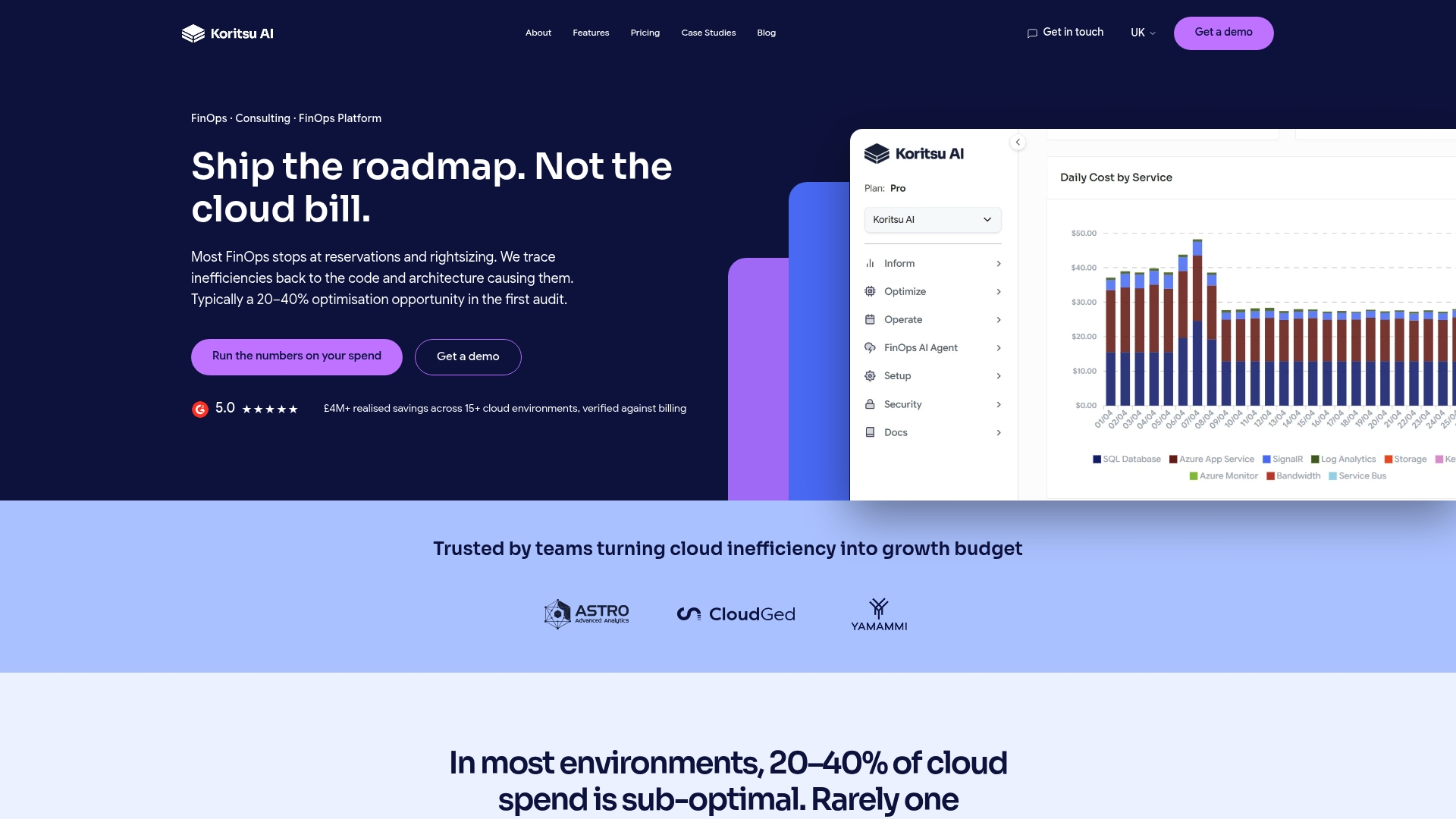
Koritsu AI analyses your AWS, Google Cloud, or Azure environment continuously, surfacing idle cloud assets by cost impact and assigning them to the teams responsible. Our AI agent, Kori, identifies the specific resource types covered in this article, from forgotten SageMaker endpoints to unattached EBS volumes, and our specialists help your engineers act on the findings. You only pay when we deliver savings. A UK bidding platform reduced cloud costs by 52% using this approach. Start with a free assessment to see exactly where your budget is going, then move onto an ongoing optimisation subscription when you are ready to act on the findings.
Start with a free assessmentFAQ
What are the most costly types of idle cloud resources?
Idle AI and ML compute resources, such as SageMaker endpoints and AML compute clusters, and large database instances with zero active connections are typically the most expensive idle resources per unit. Idle NAT gateways and load balancers with no healthy targets also generate continuous charges despite carrying no traffic.
How much cloud spend is tied up in idle resources?
The FinOps Foundation reports that 25 to 35% of total cloud spend is typically tied up in idle and underutilised resources annually. This figure is broadly consistent across AWS, Google Cloud, and Azure environments.
What is the best way to detect idle cloud resources?
Cloud provider native tools such as AWS Trusted Advisor and GCP Recommender provide a starting point at no additional cost. Open-source tools like CleanCloud extend detection to AI and ML-specific resources. For continuous monitoring with prioritised remediation, an AI-driven platform such as Koritsu AI surfaces inefficiencies across all resource categories.
Can automated cleanup delete resources I still need?
It can, which is why a dry-run phase is standard best practice before activating any automated deletion workflow. Running the detection and recommendation engine in observation mode for at least two weeks allows teams to validate findings before enforcement begins.
How often should idle resources be reviewed?
Monthly reviews tied to billing cycles are the minimum recommended cadence. Non-production environments benefit from weekly automated checks, whilst production idle resources typically require a change management process and broader stakeholder review before remediation.